Guides & tips

How to get the most out of GlowCamp – explained briefly, step by step. Everything runs on your phone.

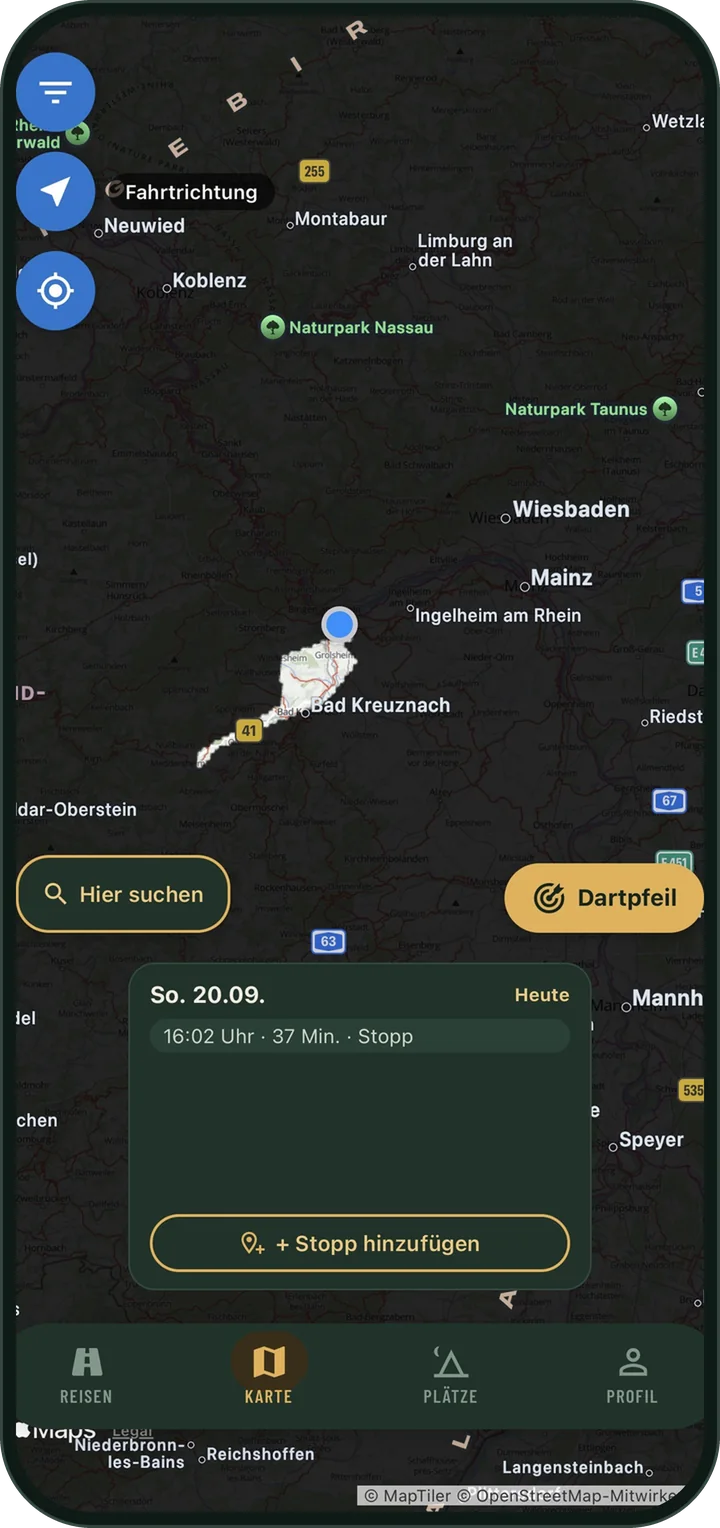
Map with cleared routes, the rest is covered in fog.

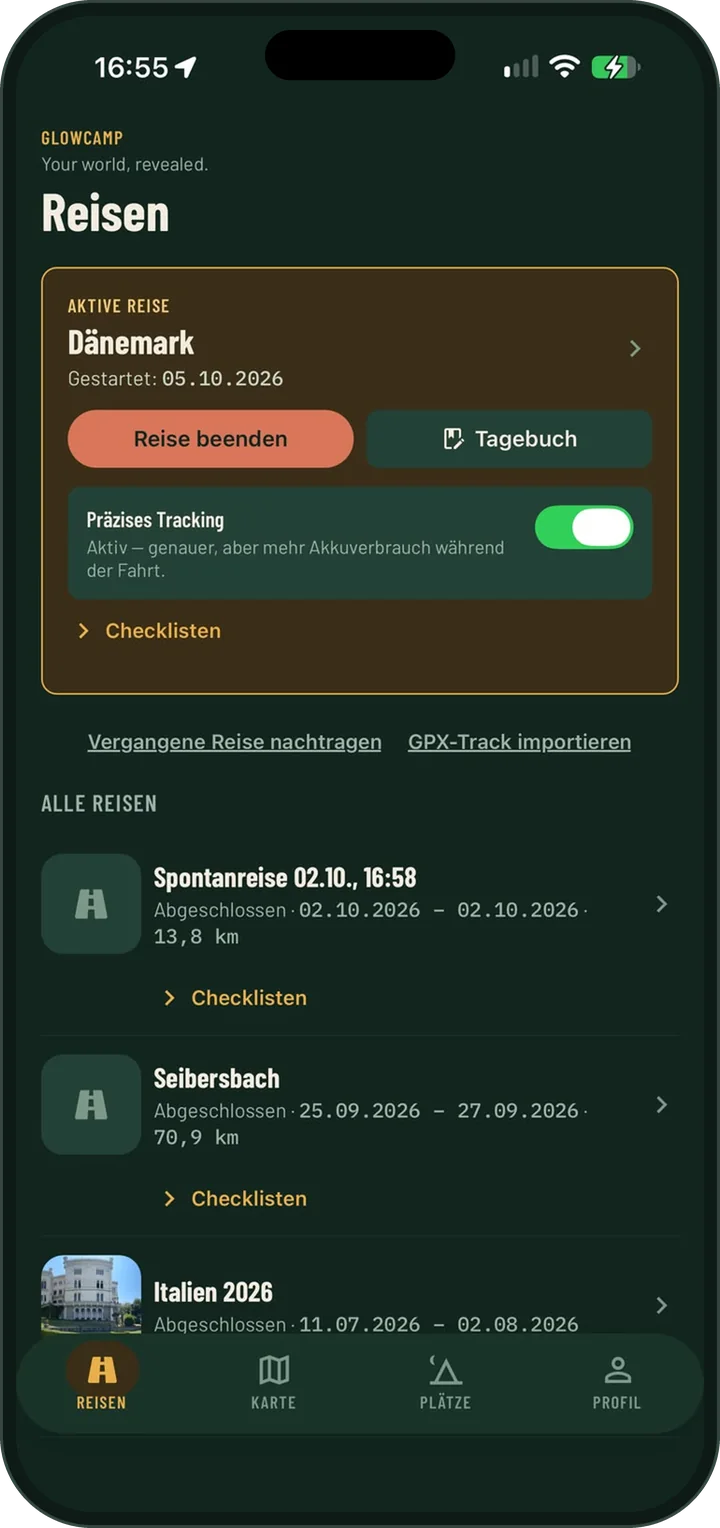
Fog map: record a trip

  1. In the Trips tab, tap “Start trip”.
  2. Allow location access “Always”. Only then can the app keep recording while your phone is locked.
  3. Drive off: wherever you’ve been, the fog lifts. Across all your trips you keep seeing where you’ve already been.
  4. At the end, tap “End trip” to get your review with kilometres, countries and milestones.
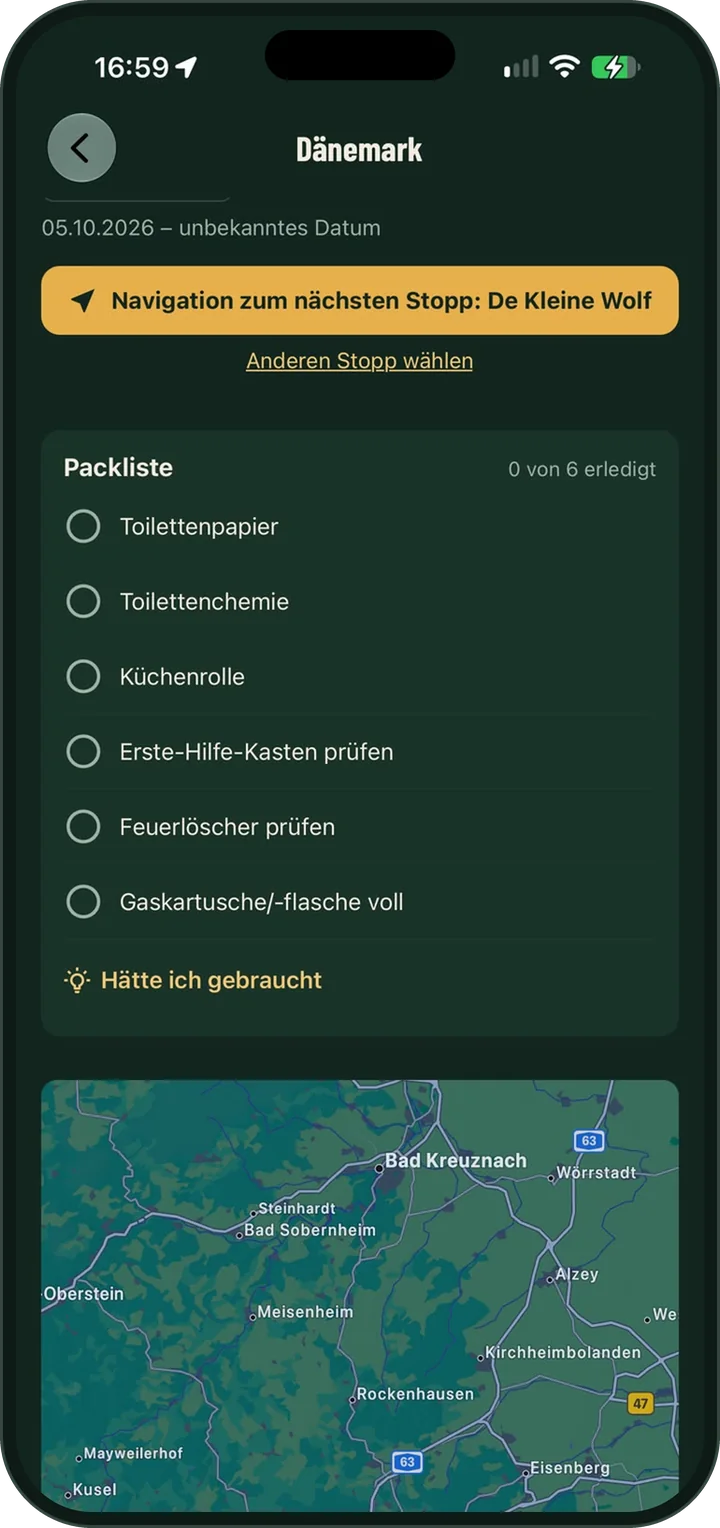
Checklist with ticked and open items.

Using checklists

  1. Under Profile → My data → Checklist Templates you’ll find ready-made lists for packing, departure and return. You can add your own items at any time.
  2. On a trip, every site gets its own lists: “Set up” on arrival, “Pack up” the evening before you leave and “Departure” on the morning you leave.
  3. When you set off, the departure check reminds you of open items.
  4. Whatever runs out on the way goes on “To buy & to do”.
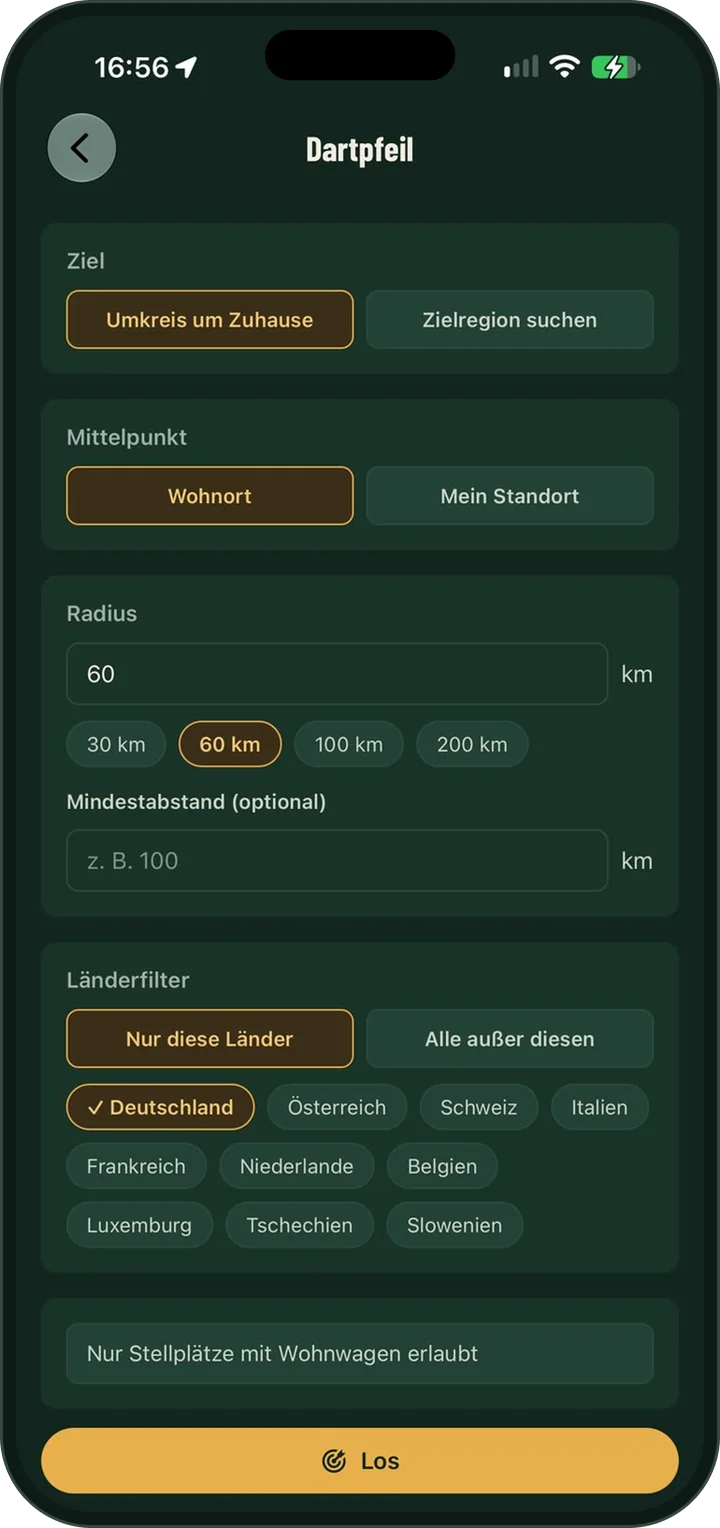
Dart suggestion with radius and country filter.

Dart: draw a destination

  1. On the map, tap the yellow dart button.
  2. Set how far it may be – from a short outing to a weekend trip – and which countries are an option (include or exclude).
  3. Throw the dart: it prefers campsites and motorhome stopovers in areas that are still unexplored on your fog map.
  4. Like a suggestion? Use it as your trip destination. Otherwise just tap “Again”.
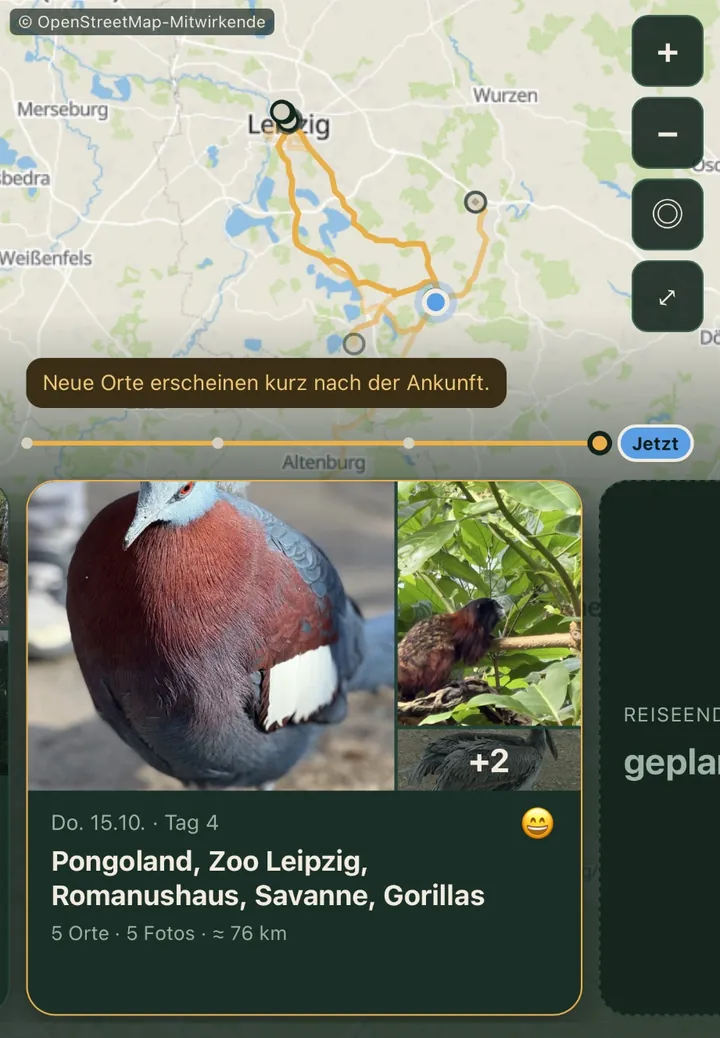
Trip review with days, places and photos.

A travel journal with just a few taps

  1. In the evening GlowCamp reminds you of the day – only if it’s still open.
  2. Places, stops, walks, weather and photos are filled in by the app. You just confirm and add what matters to you.
  3. Pick a mood and save. A single word is a complete entry.
  4. Missing a place? Add it with “+ Add a place you visited” – via a sight, the map or search.

Photos in your journal

  1. With “+ Add photos” you pick photos. GlowCamp assigns them to the right day by the time they were taken.
  2. With photo suggestions (switch on if you like) the app suggests photos from your library for every day of a trip.
  3. “Search my photos” finds past trips from the date and place of your photos and suggests adding them.
  4. All of this happens on your phone only. Photos leave it only if you share them yourself.
Private link page of a trip with map and day card.

Sharing a trip

  1. Open a trip and tap “Share”. Under “Who may see it?” choose the private link – no account needed.
  2. Family and friends see your trip in the browser, without the app. You decide which places and photos they see, and from when.
  3. GlowCamp only shares live after a clear warning and with a visible “Live active”.
  4. You can stop sharing at any time.

More tips in the community

New guides, questions and ideas from other campers are posted regularly in our Facebook group (mostly in German) and on Instagram. These are plain links: we don’t embed any content or buttons from Facebook or Instagram on this page.

More questions? The most common ones are in Support. In the app you’ll find these guides under Profile → Help & feedback → “Guides & tips”.